VOCAL REMOVER · KARAOKE MAKER

Remove vocals from any song. Free.

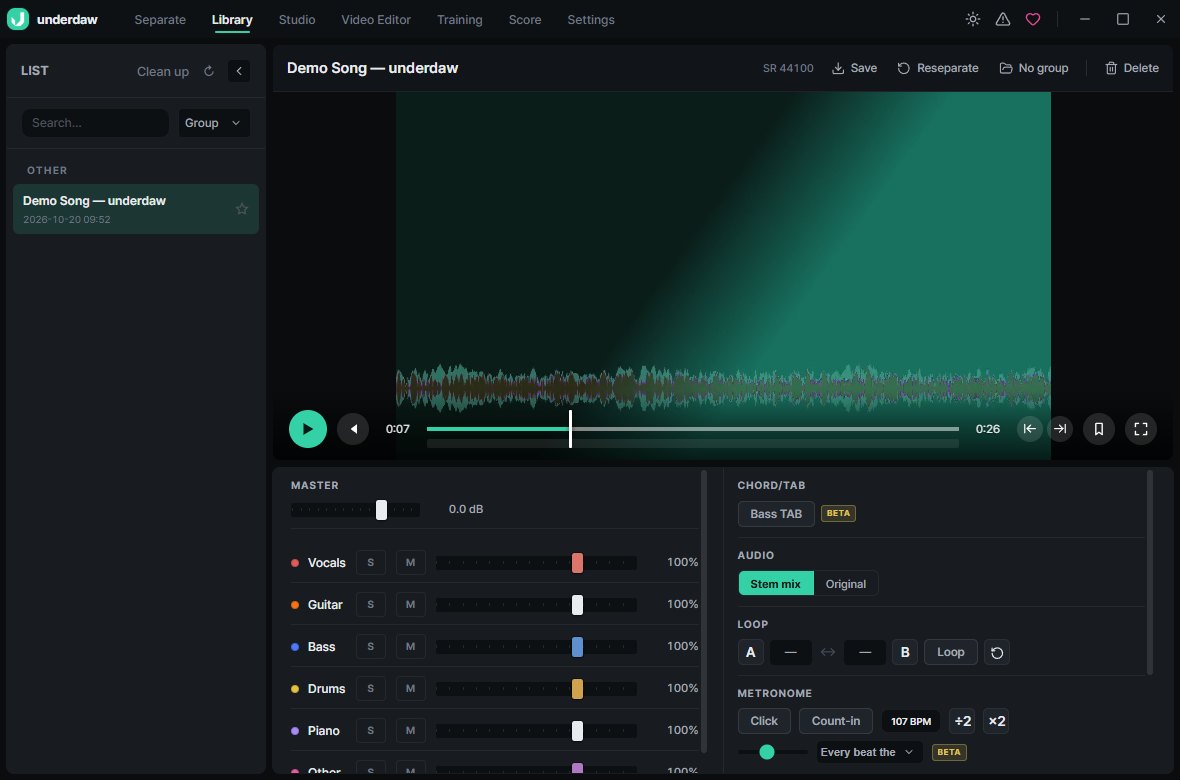
Load a song and the AI splits it into vocals, drums, bass, guitar and piano. Mute the vocals, export, and you have an instrumental. Everything runs on your PC — your audio is never uploaded.
Free · Windows 10 / 11 · No watermark

Remove vocals from any song. Free.

Three steps

  1. Open Stem separation and pick a music file (or paste a link).
  2. When it finishes, press M (mute) on the Vocals row in the Library mixer.
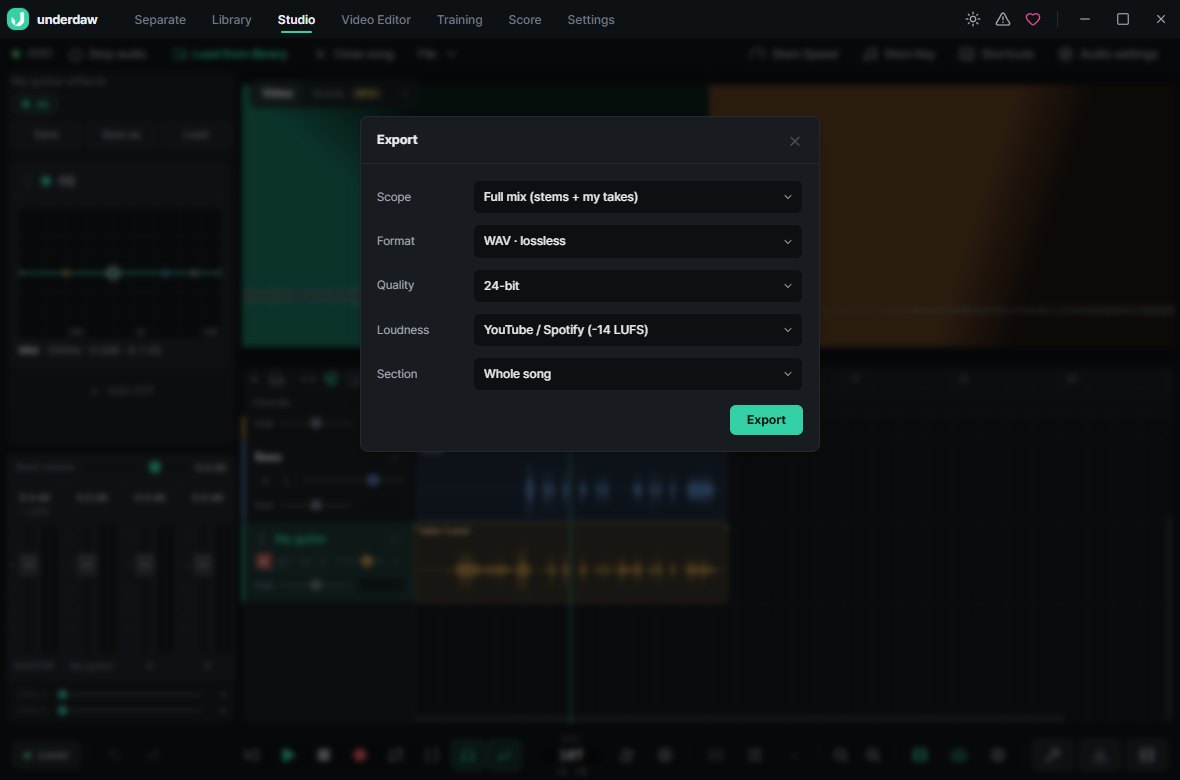
  3. Click Save and choose WAV, FLAC or MP3. You can also save the vocals alone (acapella).

Why underdaw

Free, no limits

No song-length caps, no daily limits, no watermark, no account.

Runs offline

Your audio stays on your machine. Local files separate with no internet at all.

More than vocals

4-stem (vocals, drums, bass, other) or 6-stem (adds guitar and piano) models.

Practice built in

Key and speed change, loop a section and a metronome on the same screen.

Why underdaw

FAQ

How good is the separation?

It uses current open AI separation models. Some vocal reverb can remain on certain songs, but it is usually more than enough for karaoke or practice tracks.

How long does it take?

It depends on your PC. A graphics card (GPU) makes it much faster, and it also runs on CPU.

Can I extract just the vocals (acapella)?

Yes. Mute everything except vocals, or choose per-stem export to get the vocal file on its own.

Does it work on Mac?

Not yet — Windows 10 and 11 only. There is also an Android app.

Is it legal?

Use it for personal practice and study. Check the original copyright before publishing or selling anything you make.

More ways to use it

Free · Windows 10 / 11 · No watermark