COVER VIDEOS · RECORD & FILM
Play it. Film it. Post it.
Make the backing track, record over it while your camera films, mix it, cut the video and export at YouTube loudness (-14 LUFS). No juggling four different apps.
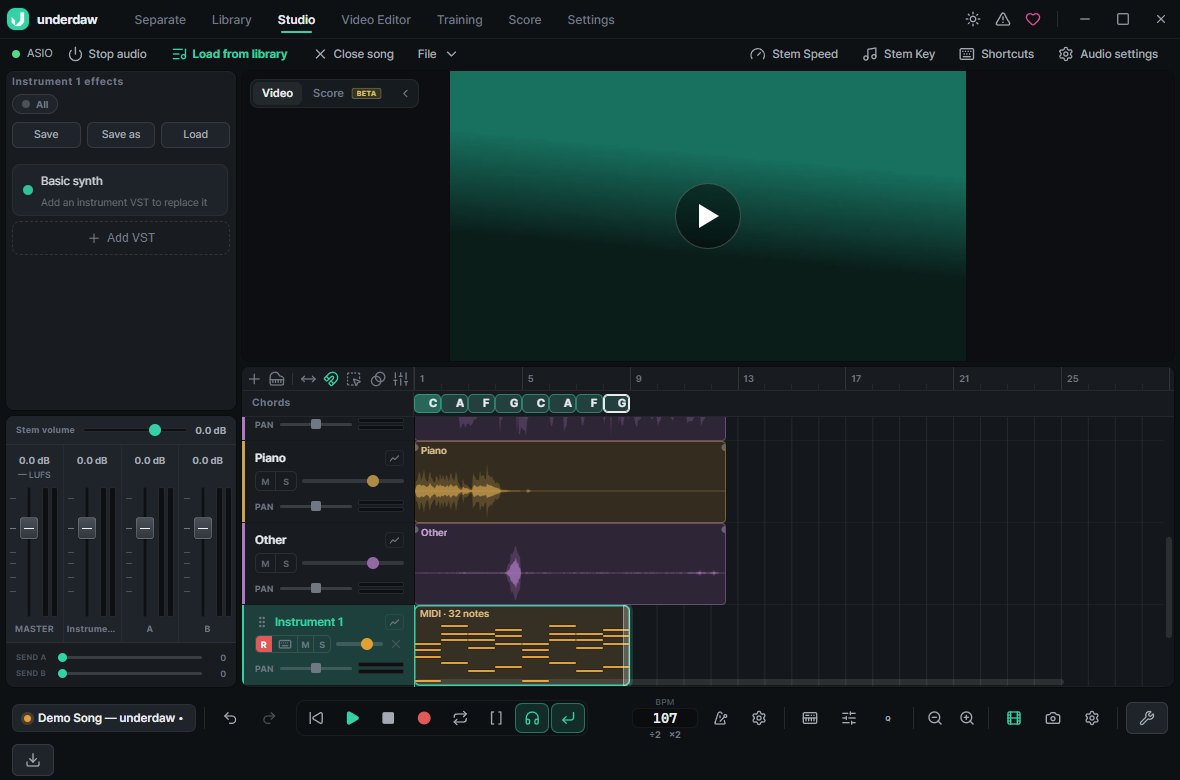
Make the backing track, record over it while your camera films, mix it, cut the video and export at YouTube loudness (-14 LUFS). No juggling four different apps.
Webcams, capture cards and phone-as-webcam apps — anything Windows sees.
Play a section again and again, then stitch together the best parts.
Built-in EQ, compressor, reverb and amp IR, plus VST3 plugins.
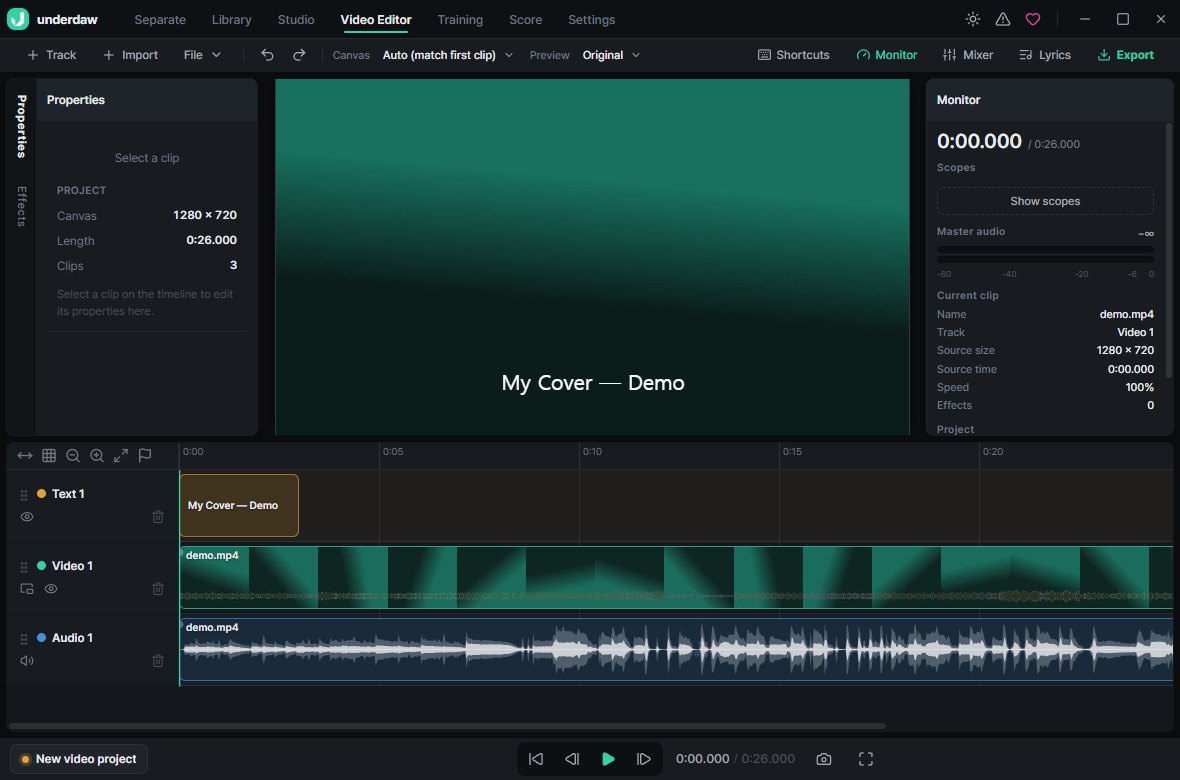
Multi-cam timeline, color grading, chroma key, captions, ProRes and HEVC 10-bit export.
Run "Measure real latency" in Audio settings once. It compensates the delay your device does not report.
No, but with one you can use ASIO for lower latency.
Choose "YouTube / Spotify (-14 LUFS)" in Export and it is matched automatically.
None. Recording, mixing, video editing and export are all free.