BACKING TRACKS · PLAY-ALONG
Take your part out. Play along.
Make bassless, drumless or guitarless backing tracks from the songs you actually want to learn. Leave your part empty and play over the original.
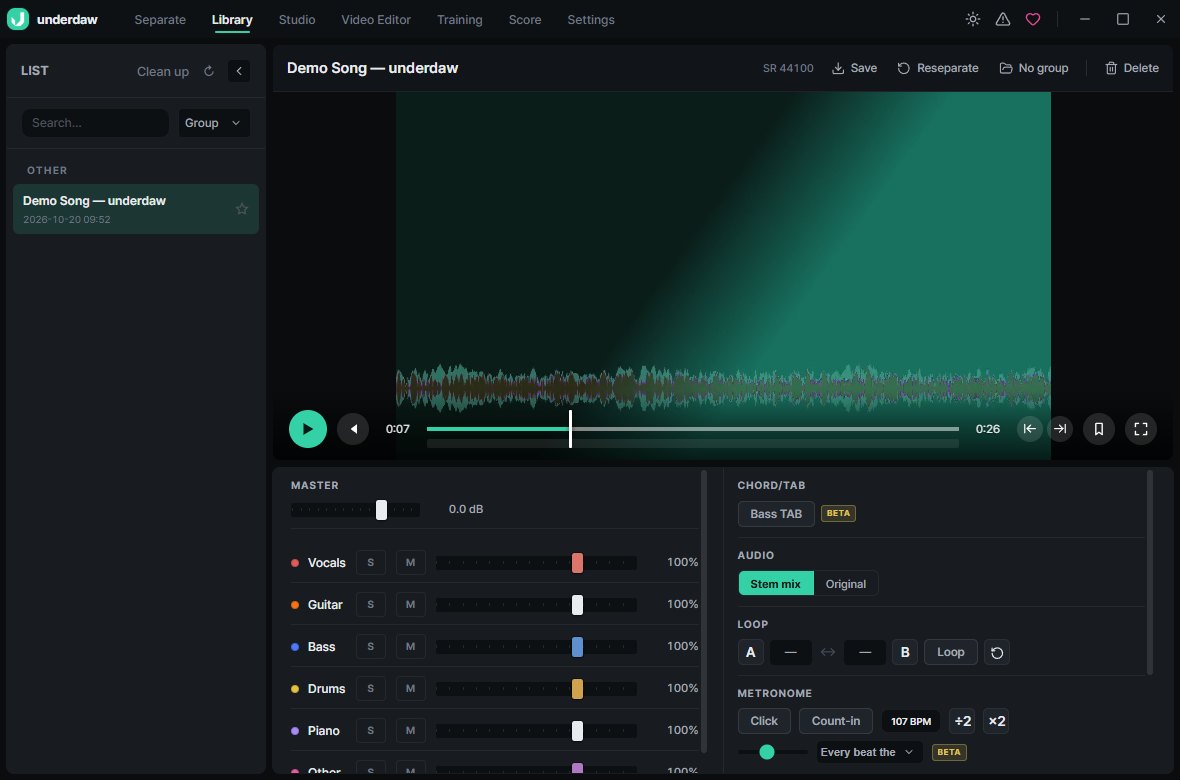
Make bassless, drumless or guitarless backing tracks from the songs you actually want to learn. Leave your part empty and play over the original.
Slow the song down without changing pitch, or shift the key to match your tuning.
Loop the hard bar with A–B points and turn on the metronome and count-in.
Get a draft TAB from the separated bass line (beta).
Record your take over the backing track in the studio and mix it.
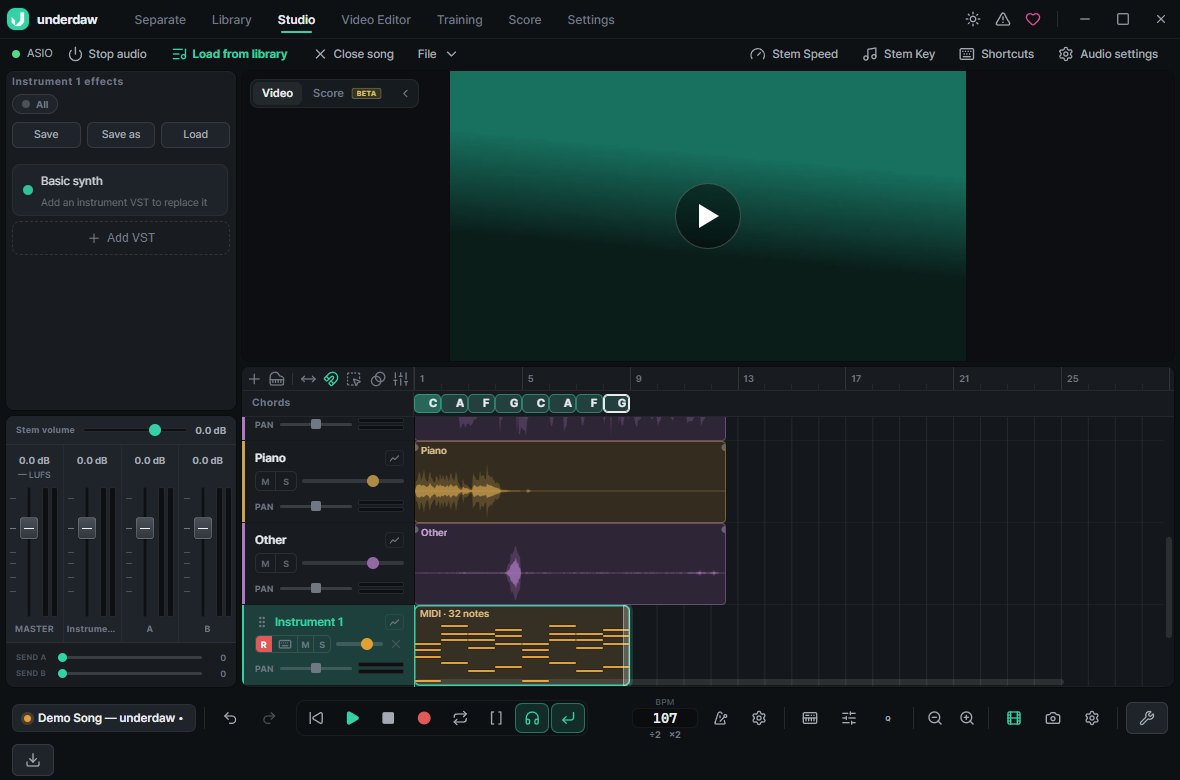
Vocals, drums, bass, guitar, piano and other. Turn any combination on or off.
No. Speed and key are adjusted separately.
Yes — export WAV or MP3 and copy it over. There is also an Android version of underdaw.
No. Every feature is free, with no watermark.