An all-in-one studio for musicians. Split songs, practice, record, mix and make the cover video — free, and all on your own PC.
underdaw is a Windows PC app — open this page on your computer.
There is an Android app too
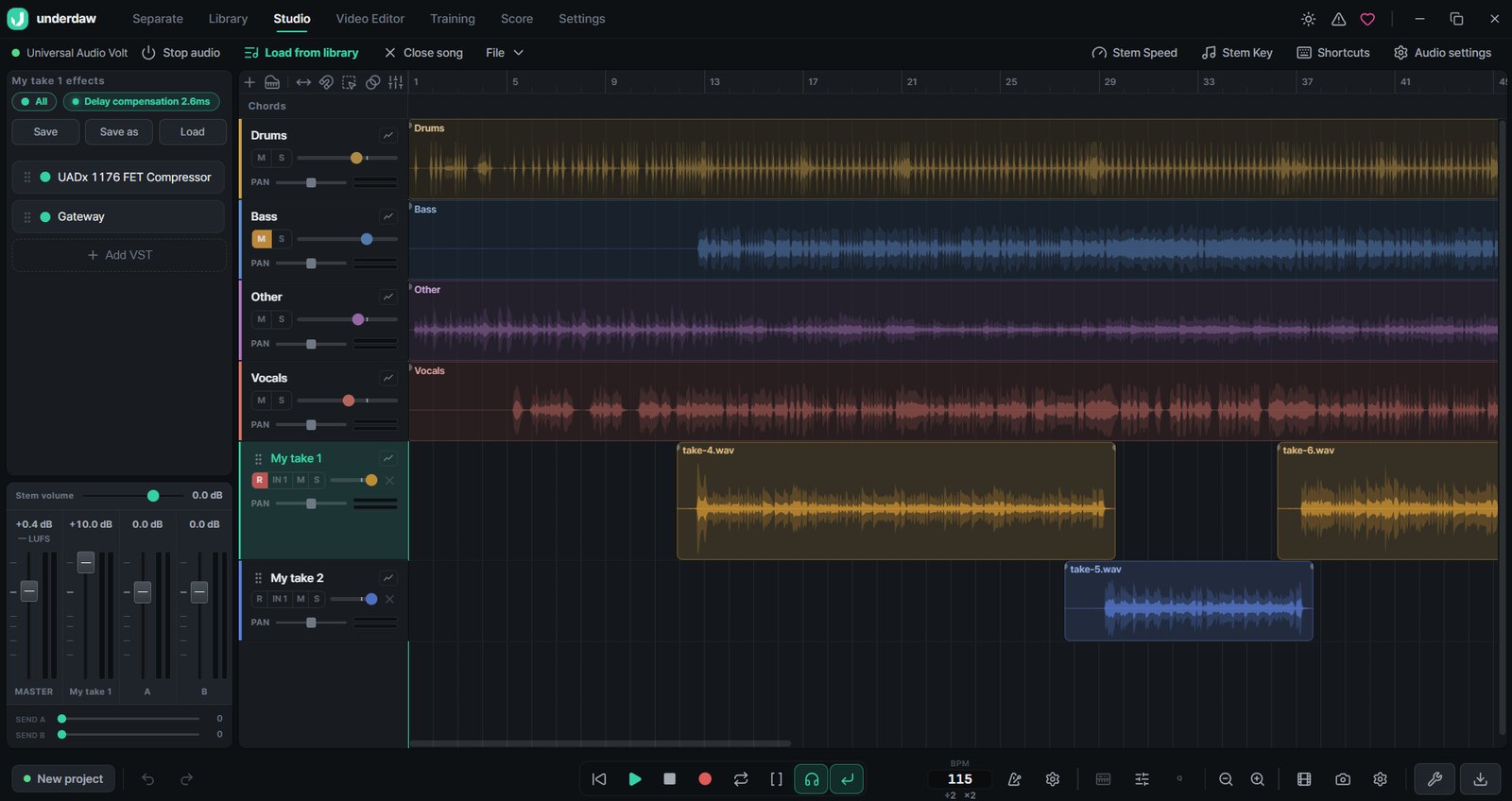
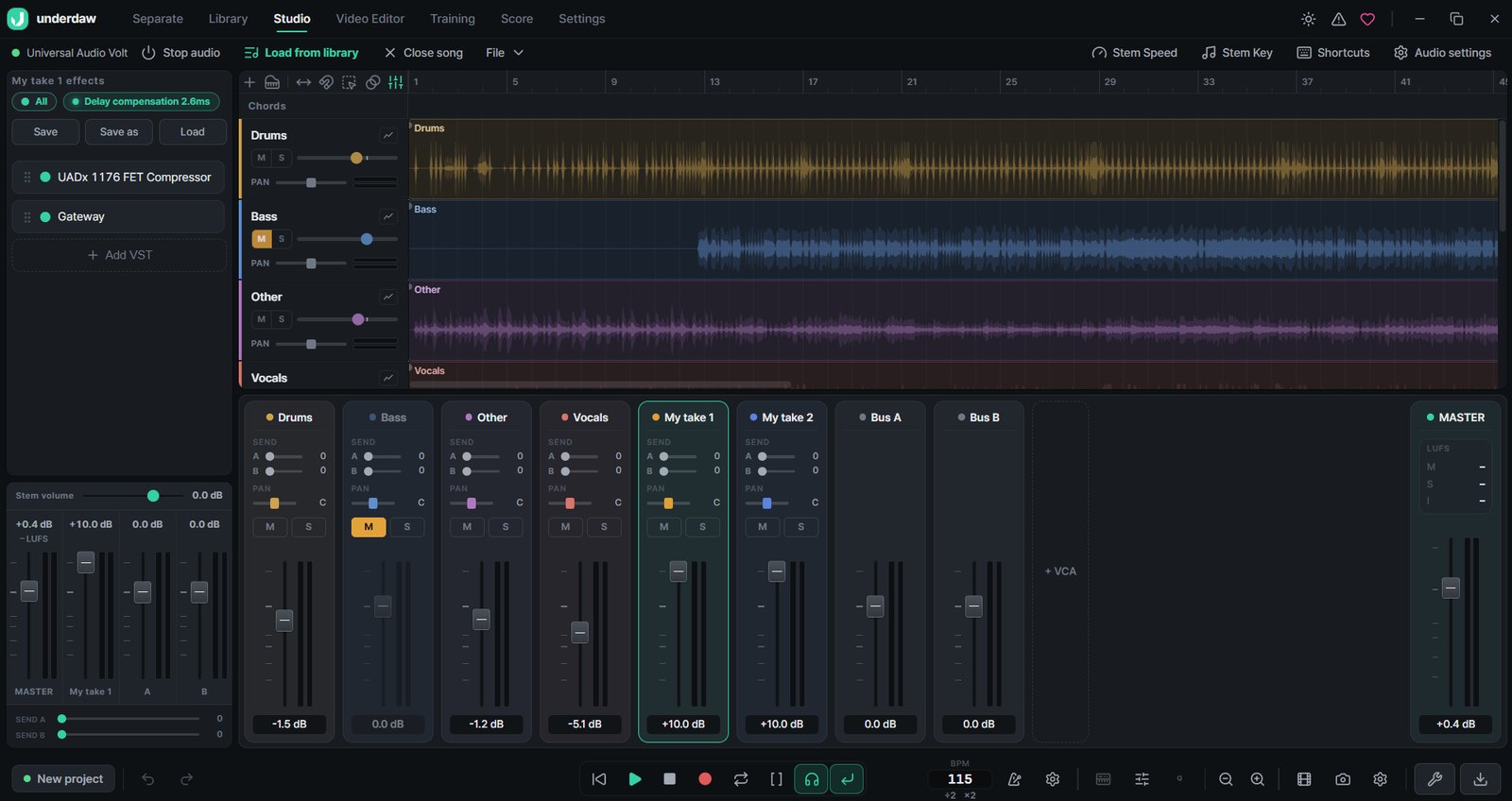
Mute the vocals for a karaoke track, mute the bass for a bass practice track. Practice right on the split stems.
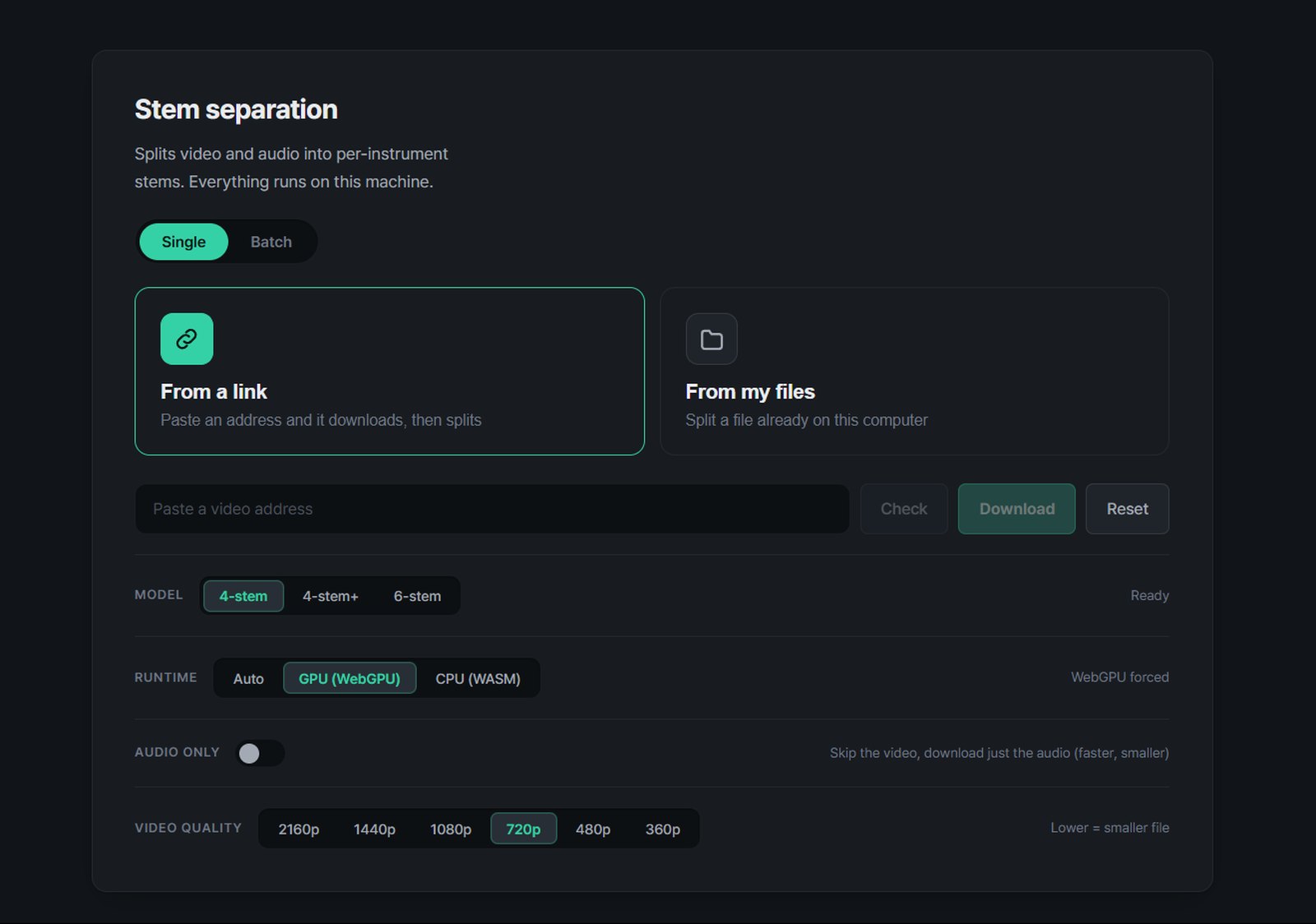
Paste a YouTube link or drop in a file and get vocals, drums, bass, guitar and piano. With a graphics card it takes a few minutes.
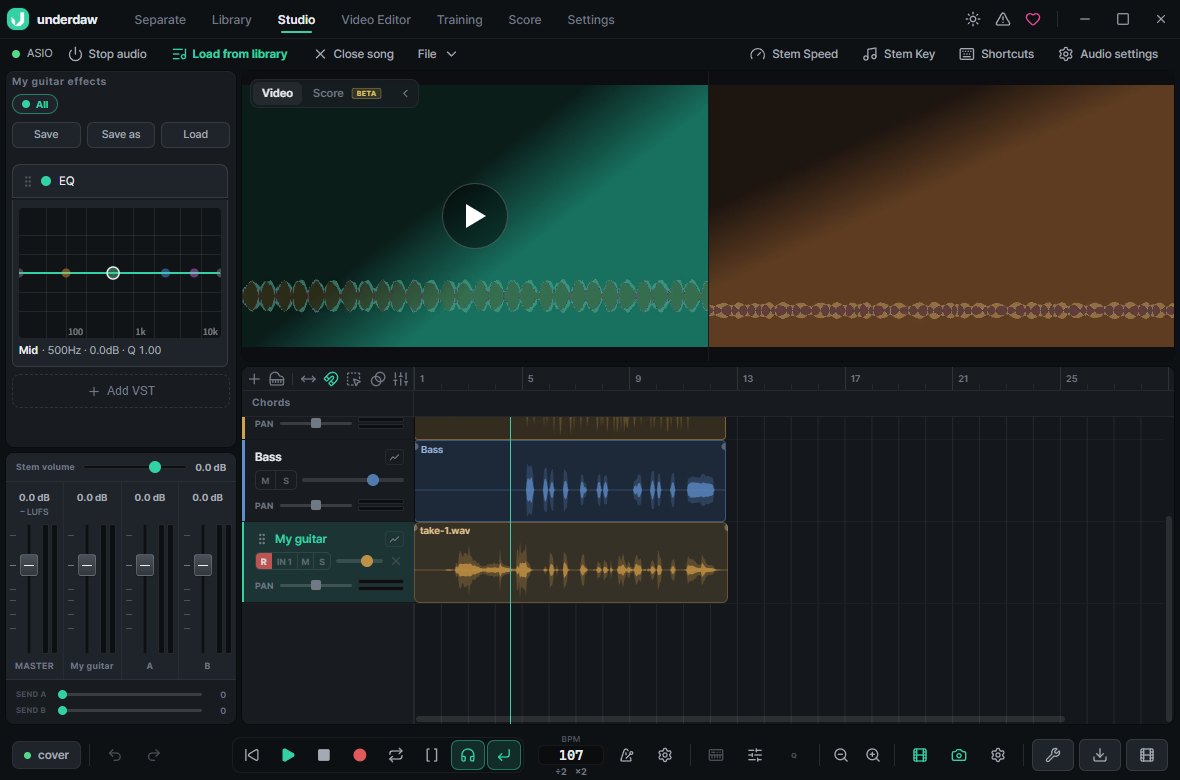
Play along with the original video while your webcam films you. Loop recording stacks takes so you can keep the best parts, and the video syncs itself to the sound.
Polish it in a mixer with built-in effects, VST3, buses and automation, then export at YouTube loudness (-14 LUFS).
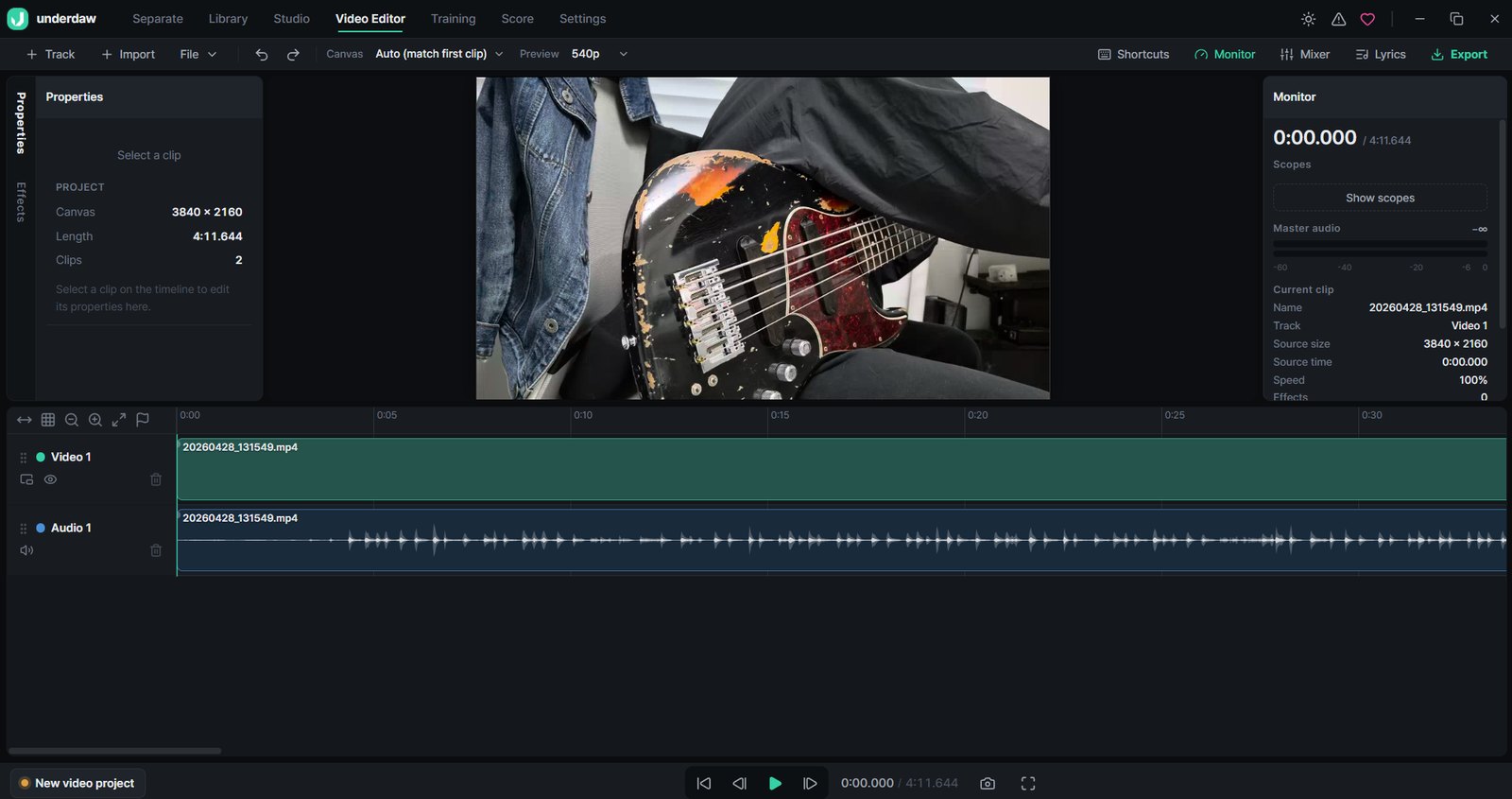
Cut and arrange your footage and the original video on a timeline. Captions, split screen and color grading in the same app.
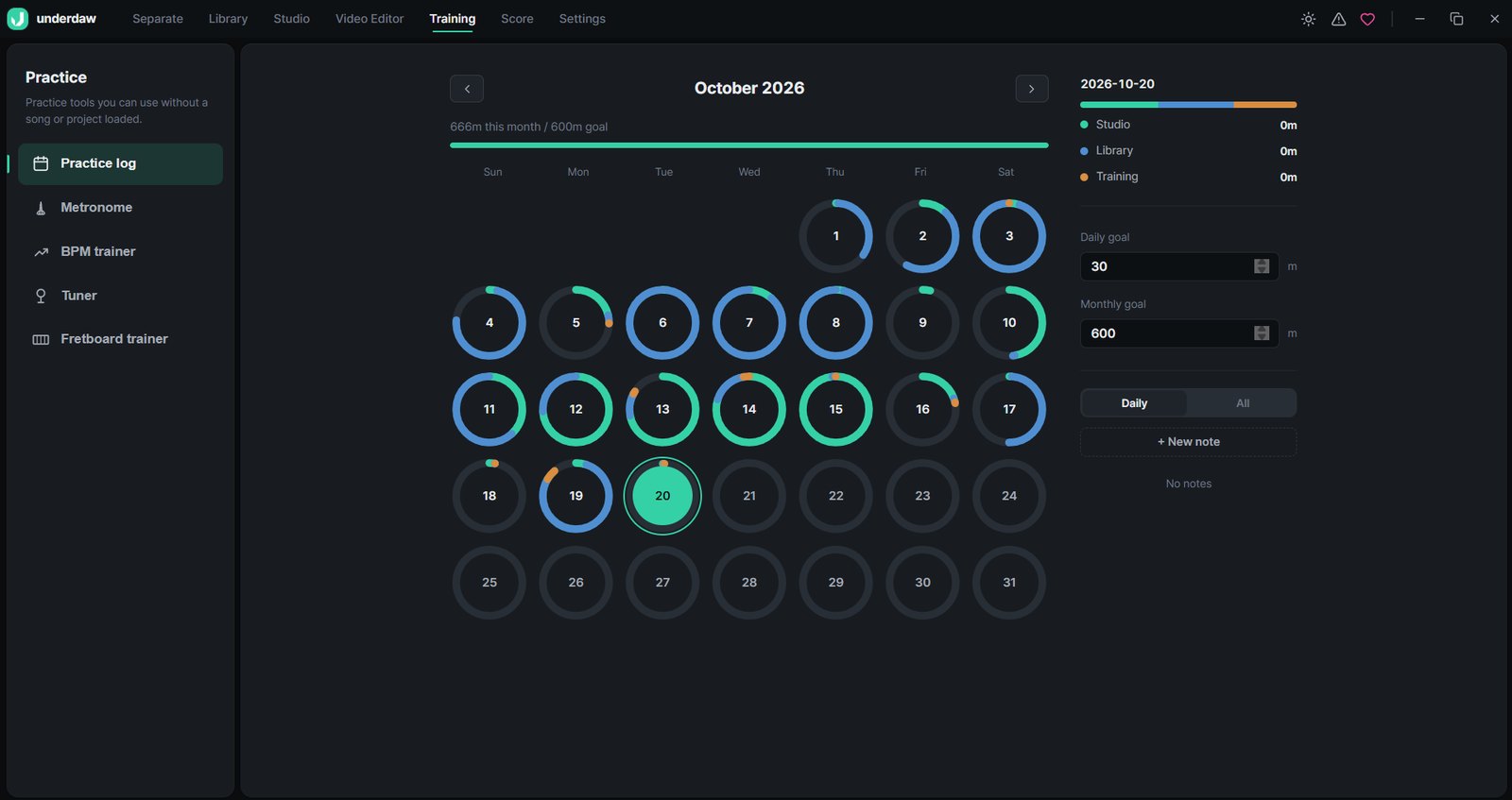
Metronome, BPM trainer, fretboard trainer and tuner. Every day you practice lands on a calendar.


Video you film while recording lines up with the sound on its own, and follows when you move or trim the clip. One click takes it to the video editor.

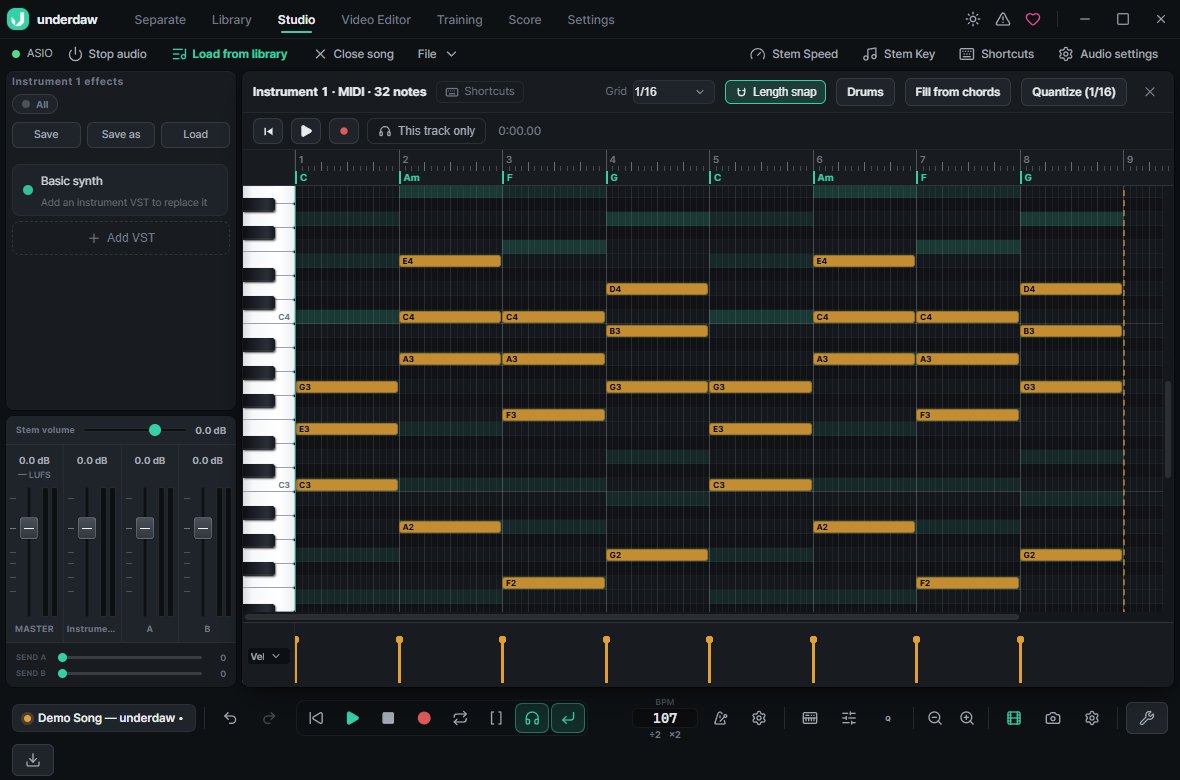
No MIDI gear needed — play and record with your computer keyboard, write with the piano roll and a chord track, and plug in MIDI keyboards and instrument VSTs too.

Low-latency ASIO monitoring, plus a one-cable test that measures the real delay so takes land on the beat.
Keep playing over a loop and every pass becomes a take. Stitch together the best parts, or punch in.
EQ, compressor, reverb, delay and amp IR built in — on tracks, clips, buses or the master.
Buses, VCAs, sidechain, automation and a master LUFS meter on one screen.
Keyframes, color wheels, curves and scopes, chroma key, masks, stabilization, auto-tracking and ProRes / 10-bit export.
WAV, FLAC, MP3, MP4 and WebM. Full mix or per stem, any range.
Yes. Separating, recording, mixing, video editing and exporting are all free, with no feature limits or watermarks.
Load a song, split it into stems, mute the vocals and export. Practice tracks without drums or bass are made the same way.
Separation, recording and editing all run on your PC and your audio is never uploaded. You only need the internet to fetch a song from a link.
Vocals, drums, bass, guitar, piano and other — choose a 4-stem or 6-stem model.
Yes. Your computer keyboard becomes a piano: record what you play, fix notes in the piano roll and sketch the progression on the chord track. MIDI keyboards and instrument VSTs work too.
Yes — any camera Windows sees works: webcams, capture cards, phone-as-webcam apps and DSLR webcam utilities. It films while you record and syncs the video to your take using the camera audio.
In Export, set Loudness to "YouTube / Spotify (-14 LUFS)" and the whole song is measured and matched automatically. The master LUFS meter shows where your mix is right now.
Use "Measure real latency" in Audio settings: connect an interface output to an input with a cable and measure once. It compensates the delay your device does not report, so takes land on the beat.
The Microsoft Store version installs without warnings and updates itself. If you downloaded the installer, click “More info → Run anyway”.
Not yet — Windows 10 and 11 only.
Install, drop in a song and you are ready.
underdaw is a Windows PC app — open this page on your computer.
There is an Android app too